Kubernetes Logo
Advocate Plumbing ↗️ CNCF Graduated Orchestration & Management / Scheduling & Orchestration

Kubernetes

License: Apache-2.0

🚀

Rawkode's Take

Personal opinion, not gospel

Everyone should adopt Kubernetes, otherwise you're missing out on the collective knowledge and tooling of the cloud-native ecosystem.

🌶️

You can even run Java on it now, so there's really no excuse not to.

First Used 2017-03
Last Used Present
Confidence Deep XP
Videos 23

CNCF Project

Cloud Native Computing Foundation

Accepted: 2016-03-10
Incubating: 2016-03-10
Graduated: 2018-03-06

Complete Guide

Comprehensive documentation, best practices, and getting started tutorials

Kubernetes is an open-source container orchestration system for automating application deployment, scaling, and management. It provides a platform to manage containerized workloads and services, declaring desired states and automating the processes to achieve and maintain them. Kubernetes simplifies complex deployments by abstracting away the underlying infrastructure and offering features like self-healing, rolling updates, and resource management.

The primary value proposition of Kubernetes lies in its ability to increase application availability, reduce operational overhead, and improve resource utilization. It is widely used for deploying microservices, running batch processing jobs, and managing stateful applications, making it a cornerstone of modern cloud-native application development and deployment practices.

Kubernetes has become the de facto standard for container orchestration, powering everything from small startups to Fortune 500 companies. Whether you’re building microservices, deploying machine learning workloads, or managing complex distributed systems, understanding Kubernetes is essential for modern infrastructure engineering.

What is Kubernetes?

Kubernetes (often abbreviated as K8s) is an open-source platform designed to automate deploying, scaling, and operating containerized applications. Originally developed by Google and based on their internal Borg system, Kubernetes was donated to the Cloud Native Computing Foundation (CNCF) in 2014 and has since become one of the most active open-source projects in the world.

At its core, Kubernetes provides:

  • Declarative Configuration: Define your desired state, and Kubernetes works to maintain it
  • Self-Healing: Automatically restarts failed containers, reschedules workloads, and replaces unhealthy nodes
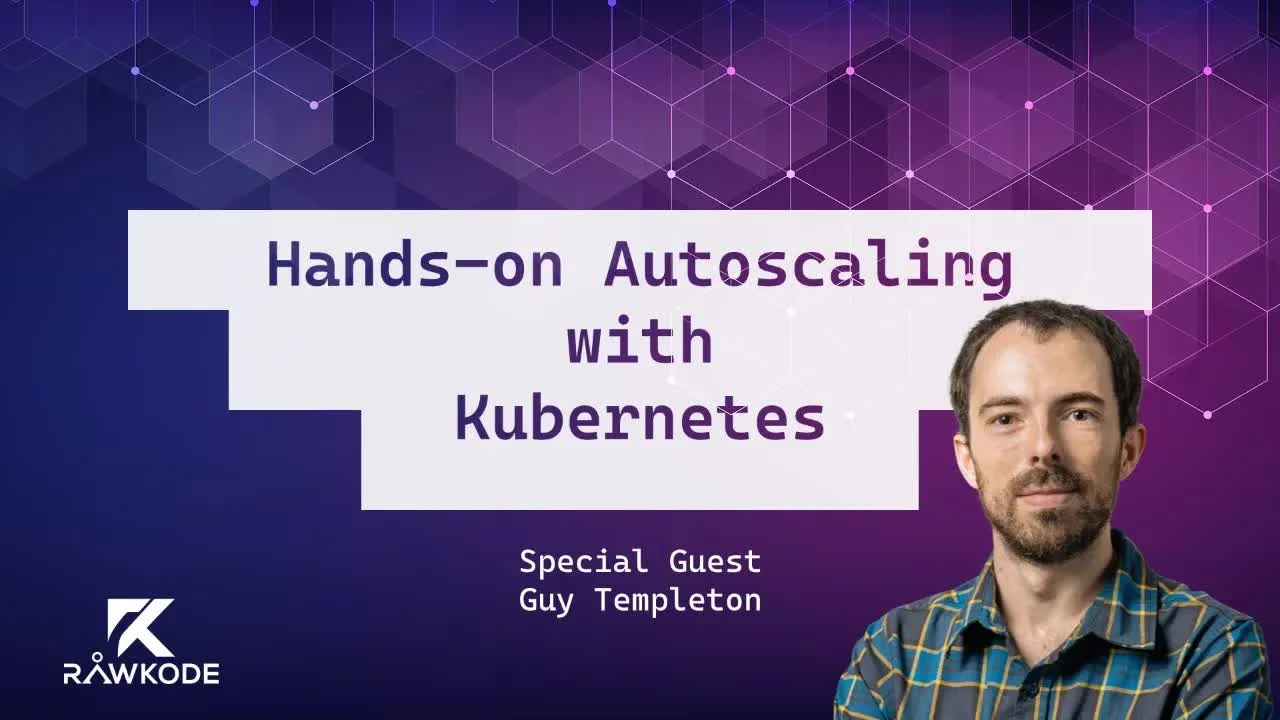
  • Horizontal Scaling: Scale applications up or down based on demand
  • Service Discovery and Load Balancing: Automatically expose containers and distribute traffic
  • Automated Rollouts and Rollbacks: Deploy changes gradually with zero downtime
  • Secret and Configuration Management: Securely store and manage sensitive information

Why Kubernetes Matters in 2025

The containerization revolution transformed how we build and deploy applications, but managing containers at scale introduced new challenges. Kubernetes solves these challenges by providing a consistent, portable platform that works across any infrastructure—whether on-premises, in the cloud, or in hybrid environments.

Key Benefits:

  1. Infrastructure Abstraction: Deploy applications consistently across AWS, Azure, GCP, or bare metal
  2. Resource Efficiency: Optimize hardware utilization by bin-packing containers efficiently
  3. Resilience: Built-in fault tolerance and self-healing capabilities
  4. Ecosystem: Massive ecosystem of tools, operators, and integrations
  5. Developer Productivity: Standardized deployment patterns and APIs

Core Kubernetes Concepts

Pods

The smallest deployable unit in Kubernetes. A Pod represents one or more containers that share storage, network, and specifications for how to run. Typically, you’ll run one container per Pod, but multi-container Pods are useful for tightly coupled applications.

apiVersion: v1
kind: Pod
metadata:
name: nginx-pod
spec:
containers:
- name: nginx
image: nginx:1.25
ports:
- containerPort: 80

Deployments

Deployments manage ReplicaSets and provide declarative updates for Pods. They’re the standard way to run stateless applications in Kubernetes, handling rolling updates, rollbacks, and scaling.

apiVersion: apps/v1
kind: Deployment
metadata:
name: nginx-deployment
spec:
replicas: 3
selector:
matchLabels:
app: nginx
template:
metadata:
labels:
app: nginx
spec:
containers:
- name: nginx
image: nginx:1.25

Services

Services provide stable networking for Pods. Since Pods are ephemeral and their IP addresses change, Services create a consistent endpoint for accessing your applications.

Service Types:

  • ClusterIP: Internal-only access (default)
  • NodePort: Expose on each node’s IP at a static port
  • LoadBalancer: Provision a cloud load balancer
  • ExternalName: Map to external DNS names

ConfigMaps and Secrets

ConfigMaps store non-sensitive configuration data, while Secrets store sensitive information like passwords, tokens, and keys. Both decouple configuration from container images.

Namespaces

Namespaces provide logical isolation within a cluster. Use them to separate environments (dev, staging, prod) or teams working on the same cluster.

Getting Started with Kubernetes

Local Development Environments

Before deploying to production, experiment locally:

  1. minikube: Single-node Kubernetes cluster for local development
  2. kind (Kubernetes in Docker): Run Kubernetes clusters in Docker containers
  3. k3d: Lightweight Kubernetes distribution perfect for development
  4. Docker Desktop: Built-in Kubernetes support (Mac/Windows)

Quick Start with kind:

Terminal window
# Install kind
brew install kind # macOS
# or download from https://kind.sigs.k8s.io/
# Create a cluster
kind create cluster --name my-cluster
# Verify it's working
kubectl cluster-info
kubectl get nodes

Essential kubectl Commands

Terminal window
# Get resources
kubectl get pods
kubectl get deployments
kubectl get services
# Describe resources (detailed info)
kubectl describe pod <pod-name>
# View logs
kubectl logs <pod-name>
kubectl logs -f <pod-name> # Follow logs
# Execute commands in containers
kubectl exec -it <pod-name> -- /bin/bash
# Apply configurations
kubectl apply -f deployment.yaml
# Delete resources
kubectl delete pod <pod-name>
kubectl delete -f deployment.yaml

Common Use Cases

1. Microservices Architecture

Kubernetes excels at running microservices with its built-in service discovery, load balancing, and independent scaling capabilities. Each microservice can be deployed, updated, and scaled independently.

2. Batch and CI/CD Workloads

Use Kubernetes Jobs and CronJobs to run batch processing, data pipelines, and scheduled tasks. Many CI/CD platforms (GitHub Actions, GitLab CI, Jenkins) can run on Kubernetes for scalable build infrastructure.

3. Stateful Applications

While Kubernetes was initially designed for stateless apps, StatefulSets enable running databases, message queues, and other stateful workloads with stable network identities and persistent storage.

4. Machine Learning and AI

Kubernetes provides the foundation for ML platforms like Kubeflow, enabling teams to train models at scale, serve predictions, and manage ML pipelines.

Best Practices for Production

Resource Management

Always set resource requests and limits to ensure fair resource allocation and prevent resource exhaustion:

resources:
requests:
memory: "64Mi"
cpu: "250m"
limits:
memory: "128Mi"
cpu: "500m"

Health Checks

Configure liveness and readiness probes to enable Kubernetes to detect and recover from failures:

livenessProbe:
httpGet:
path: /healthz
port: 8080
initialDelaySeconds: 30
periodSeconds: 10
readinessProbe:
httpGet:
path: /ready
port: 8080
initialDelaySeconds: 5
periodSeconds: 5

Security

  1. Use RBAC: Implement role-based access control to limit permissions
  2. Pod Security Standards: Enforce security policies with Pod Security Admission
  3. Network Policies: Control traffic between Pods
  4. Scan Images: Regularly scan container images for vulnerabilities
  5. Secrets Management: Use external secret managers (Vault, External Secrets Operator)

GitOps and Declarative Management

Adopt GitOps practices using tools like FluxCD or ArgoCD to manage Kubernetes configurations through Git, enabling version control, audit trails, and automated deployments.

Common Pitfalls to Avoid

  1. Running as Root: Always use non-root users in containers for security
  2. Ignoring Resource Limits: This leads to “noisy neighbor” problems
  3. Not Using Health Checks: Results in traffic being sent to unhealthy Pods
  4. Single Replica Deployments: Creates single points of failure
  5. Mounting the Entire ConfigMap: Mount only what you need to avoid permission issues
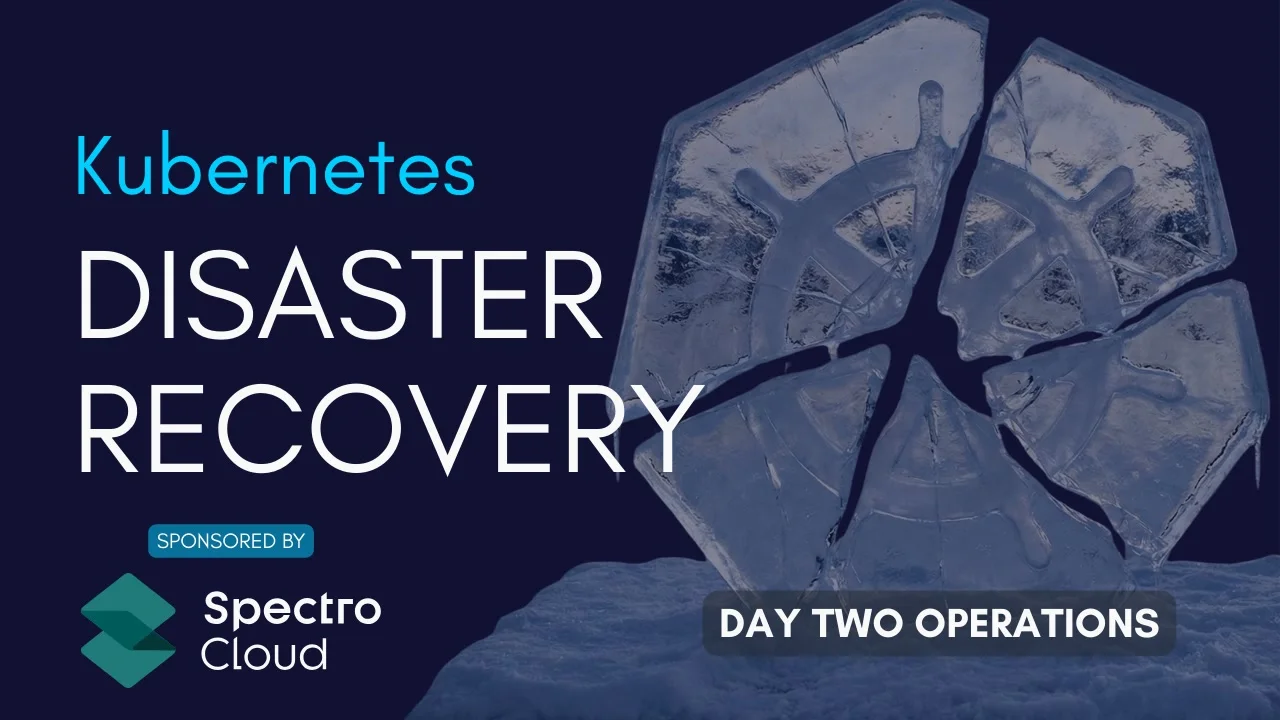
  6. Not Planning for Disaster Recovery: Implement backup strategies for etcd and persistent volumes

Kubernetes Ecosystem and Tools

The Kubernetes ecosystem is vast. Here are essential tools to know:

Package Management

  • Helm: Package manager for Kubernetes applications
  • Kustomize: Template-free configuration management

Networking

  • Cilium: eBPF-based networking and security
  • Calico: Network policy and security
  • Istio/Linkerd: Service mesh for advanced traffic management

Monitoring and Observability

  • Prometheus: Metrics collection and alerting
  • Grafana: Metrics visualization
  • Loki: Log aggregation
  • Jaeger: Distributed tracing

Security

  • Falco: Runtime security monitoring
  • OPA/Gatekeeper: Policy enforcement
  • cert-manager: Automated certificate management

Learning Path and Next Steps

Beginner Path

  1. Learn container basics with Docker
  2. Set up a local Kubernetes cluster
  3. Deploy your first application
  4. Understand Pods, Deployments, and Services
  5. Practice with kubectl

Intermediate Path

  1. Master ConfigMaps, Secrets, and environment variables
  2. Learn about StatefulSets and persistent volumes
  3. Implement health checks and resource limits
  4. Explore Helm for package management
  5. Set up monitoring with Prometheus and Grafana

Advanced Path

  1. Design multi-cluster architectures
  2. Implement advanced networking with service meshes
  3. Build custom operators with operator-sdk
  4. Master security with RBAC, Network Policies, and Pod Security
  5. Optimize cluster performance and cost

Kubernetes Certifications

Validate your skills with official certifications:

  • CKA (Certified Kubernetes Administrator): Cluster administration and troubleshooting
  • CKAD (Certified Kubernetes Application Developer): Application deployment and management
  • CKS (Certified Kubernetes Security Specialist): Security best practices

Conclusion

Kubernetes has transformed how we deploy and manage applications, providing a powerful, flexible platform that works everywhere. While the learning curve can be steep, the investment pays dividends in operational efficiency, reliability, and developer productivity.

Start small, experiment with local clusters, and gradually build your expertise. The Kubernetes community is welcoming and full of resources to help you on your journey.
Ready to dive deeper? Check out our hands-on videos and courses below, where we cover everything from cluster setup to advanced patterns like operators and GitOps.