Docker is a platform for developing, shipping, and running applications in isolated environments called containers. It packages up an application and all its dependencies into a standardized unit for software development. Docker allows developers to build applications, package them into containers, and then deploy those containers on any platform that supports Docker. This ensures consistency across different environments, from development to testing to production. The primary value of Docker is improved portability, efficiency, and security of applications.


Key use cases for Docker include simplifying application deployment, enabling microservices architectures, improving resource utilization, and fostering collaboration across development and operations teams. It helps eliminate “works on my machine” issues and makes it easier to scale and manage applications in various environments.
Docker revolutionized software development by making containerization accessible to everyone. Whether you’re a beginner learning to deploy your first application or an experienced engineer building complex microservices, Docker is an essential tool in your toolkit.
What is Docker?
Docker is a platform that enables developers to package applications and their dependencies into lightweight, portable containers. Unlike virtual machines that require a full operating system, containers share the host OS kernel, making them incredibly efficient and fast to start.
Key Innovation: Docker standardized the container format and made it easy to build, ship, and run containers anywhere—from your laptop to production servers to the cloud.
Why Docker Matters
The “Works on My Machine” Problem
Before Docker, developers constantly faced environment inconsistencies. An application might work perfectly on a developer’s laptop but fail in production due to different library versions, missing dependencies, or configuration differences. Docker solves this by bundling everything the application needs into a single, immutable container image.
Benefits of Docker
- Consistency: Identical behavior across development, testing, and production
- Isolation: Applications run in isolated environments without conflicts
- Portability: Run the same container on any system that supports Docker
- Efficiency: Containers are lightweight and start in seconds
- Scalability: Easy to scale horizontally by running multiple container instances
- Version Control: Container images are versioned and stored in registries
Core Docker Concepts
Images
An image is a read-only template containing the application code, runtime, libraries, and dependencies. Images are built from a Dockerfile and stored in registries like Docker Hub.
# Example DockerfileFROM node:20-alpineWORKDIR /appCOPY package*.json ./RUN npm installCOPY . .EXPOSE 3000CMD ["node", "server.js"]Containers
A container is a running instance of an image. You can create, start, stop, and delete containers. Each container runs in isolation with its own filesystem, networking, and process space.
# Run a containerdocker run -d -p 8080:80 --name my-web nginx:latest
# List running containersdocker ps
# Stop a containerdocker stop my-web
# Remove a containerdocker rm my-webVolumes
Volumes provide persistent storage for containers. Since containers are ephemeral, volumes ensure data survives container restarts and can be shared between containers.
# Create a volumedocker volume create my-data
# Use a volumedocker run -v my-data:/app/data my-imageNetworks
Docker networks enable containers to communicate with each other and the outside world. By default, containers on the same network can communicate using container names as hostnames.
# Create a networkdocker network create my-network
# Run containers on the networkdocker run --network my-network --name web nginxdocker run --network my-network --name api node-appGetting Started with Docker
Installation
Mac/Windows: Download Docker Desktop from docker.com Linux: Install using your package manager
# Ubuntu/Debiancurl -fsSL https://get.docker.com -o get-docker.shsudo sh get-docker.sh
# Verify installationdocker --versiondocker run hello-worldYour First Container
Let’s run a simple web server:
# Pull and run nginxdocker run -d -p 8080:80 --name my-nginx nginx:latest
# Visit http://localhost:8080 in your browser# You should see the nginx welcome page
# View logsdocker logs my-nginx
# Stop and removedocker stop my-nginxdocker rm my-nginxBuilding Your Own Image
Create a simple Node.js application:
const http = require('http');const server = http.createServer((req, res) => { res.writeHead(200, { 'Content-Type': 'text/plain' }); res.end('Hello from Docker!\n');});server.listen(3000, () => console.log('Server running on port 3000'));# DockerfileFROM node:20-alpineWORKDIR /appCOPY server.js .EXPOSE 3000CMD ["node", "server.js"]# Build the imagedocker build -t my-node-app:1.0 .
# Run itdocker run -d -p 3000:3000 --name node-app my-node-app:1.0
# Test itcurl http://localhost:3000Docker Compose: Multi-Container Applications
Docker Compose makes it easy to define and run multi-container applications using a YAML file.
version: '3.8'services: web: image: nginx:latest ports: - "8080:80" volumes: - ./html:/usr/share/nginx/html
api: build: ./api ports: - "3000:3000" environment: - DATABASE_URL=postgresql://db:5432/mydb depends_on: - db
db: image: postgres:15 environment: - POSTGRES_PASSWORD=secret - POSTGRES_DB=mydb volumes: - postgres-data:/var/lib/postgresql/data
volumes: postgres-data:# Start all servicesdocker compose up -d
# View logsdocker compose logs -f
# Stop all servicesdocker compose downBest Practices for Docker
Dockerfile Optimization
- Use Official Base Images: Start with trusted, maintained images
- Minimize Layers: Combine RUN commands to reduce image size
- Order Matters: Place frequently changing instructions last
- Use .dockerignore: Exclude unnecessary files from build context
- Multi-Stage Builds: Reduce final image size
# Multi-stage build exampleFROM node:20 AS builderWORKDIR /appCOPY package*.json ./RUN npm installCOPY . .RUN npm run build
FROM node:20-alpineWORKDIR /appCOPY --from=builder /app/dist ./distCOPY --from=builder /app/node_modules ./node_modulesCMD ["node", "dist/server.js"]Security Best Practices
- Don’t Run as Root: Use a non-root user in containers
- Scan Images: Regularly scan for vulnerabilities
- Minimal Base Images: Use alpine or distroless images
- Pin Versions: Use specific image tags, not
latest - Secrets Management: Never hardcode secrets in images
# Security exampleFROM node:20-alpineRUN addgroup -g 1001 appgroup && \ adduser -D -u 1001 -G appgroup appuserWORKDIR /appCOPY --chown=appuser:appgroup . .USER appuserCMD ["node", "server.js"]Image Size Optimization
# Before: Large imageFROM ubuntu:22.04RUN apt-get update && apt-get install -y python3 python3-pipCOPY requirements.txt .RUN pip3 install -r requirements.txtCOPY . .CMD ["python3", "app.py"]
# After: Smaller imageFROM python:3.11-alpineWORKDIR /appCOPY requirements.txt .RUN pip install --no-cache-dir -r requirements.txtCOPY . .CMD ["python", "app.py"]Common Use Cases
1. Local Development Environments
Replace complex local setups with containers:
# Run a MySQL database for developmentdocker run -d \ --name dev-mysql \ -e MYSQL_ROOT_PASSWORD=secret \ -e MYSQL_DATABASE=myapp \ -p 3306:3306 \ -v mysql-data:/var/lib/mysql \ mysql:82. Microservices Architecture
Each microservice runs in its own container, making it easy to develop, test, and deploy independently.
3. CI/CD Pipelines
Build and test applications in consistent Docker environments, then deploy the same images to production.
4. Legacy Application Modernization
Containerize legacy applications to make them more portable and easier to maintain.
Common Pitfalls to Avoid
- Using
:latesttag: Always pin specific versions - Large Images: Each layer adds size; optimize your Dockerfile
- Storing Data in Containers: Use volumes for persistent data
- Too Many Processes: One process per container (use Docker Compose for multiple services)
- Ignoring Logs: Containers should log to stdout/stderr
- Not Cleaning Up: Remove unused images and containers regularly
# Clean up unused resourcesdocker system prune -a
# Remove dangling imagesdocker image prune
# Remove unused volumesdocker volume pruneDocker vs. Alternatives
Docker vs. Virtual Machines
- Size: Docker containers are MB vs. VM images in GB
- Speed: Containers start in seconds, VMs in minutes
- Isolation: VMs provide stronger isolation, containers are lighter
- Use Case: Containers for applications, VMs for full OS isolation
Docker vs. Podman
Podman is a daemonless alternative to Docker that’s OCI-compatible:
- Rootless: Podman runs without root privileges
- Daemonless: No background daemon required
- Pod Support: Native Kubernetes pod support
- Compatibility: Mostly compatible with Docker CLI
Docker Ecosystem and Tools
Container Registries
- Docker Hub: Public registry with millions of images
- GitHub Container Registry: Integrated with GitHub
- AWS ECR, GCP GCR, Azure ACR: Cloud provider registries
- Harbor: Self-hosted registry with security scanning
Development Tools
- Docker Desktop: GUI for managing containers (Mac/Windows)
- Dive: Analyze and optimize image layers
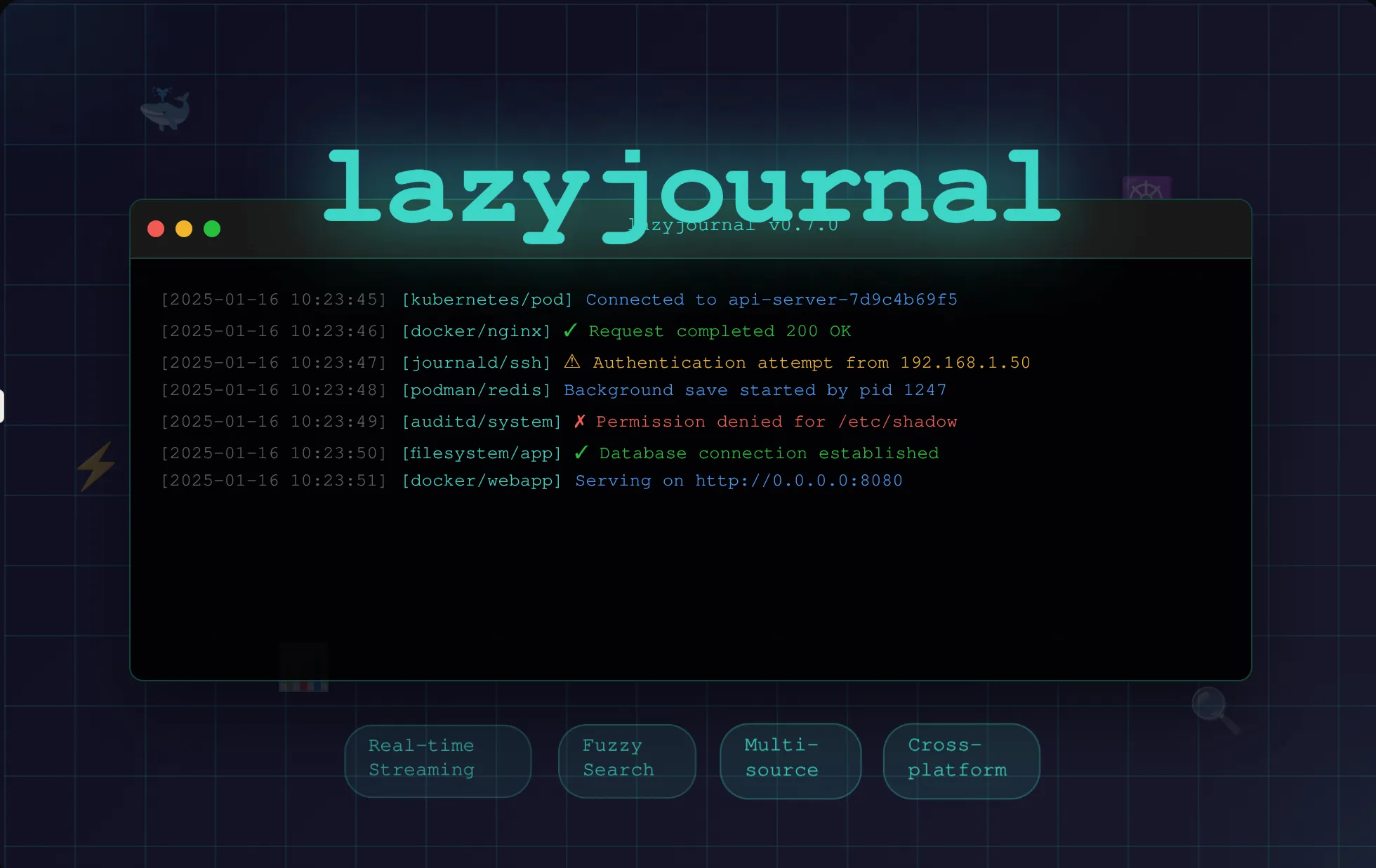
- Lazydocker: Terminal UI for Docker
- Portainer: Web-based Docker management
Security Tools
- Trivy: Vulnerability scanner for container images
- Snyk: Security scanning for containers
- Docker Scout: Built-in vulnerability analysis
- Falco: Runtime security monitoring
Learning Path
Beginner
- Understand containers vs. VMs
- Install Docker and run your first container
- Learn basic Docker commands (run, ps, stop, rm)
- Build your first Dockerfile
- Use Docker Compose for multi-container apps
Intermediate
- Master Dockerfile best practices
- Implement multi-stage builds
- Understand Docker networking
- Work with volumes and data persistence
- Push images to registries
Advanced
- Optimize images for production
- Implement security best practices
- Build CI/CD pipelines with Docker
- Create custom networks and networking strategies
- Migrate to orchestration platforms (Kubernetes)
Conclusion
Docker has become the standard for containerization, enabling developers to build, ship, and run applications consistently across any environment. Whether you’re developing locally or deploying to production, Docker simplifies the entire software delivery lifecycle.
Start by containerizing a simple application, experiment with Docker Compose, and gradually adopt best practices. The Docker ecosystem is mature, well-documented, and supported by a vibrant community.
Ready to go deeper? Check out our hands-on Docker videos and tutorials below to see real-world examples and advanced patterns.